

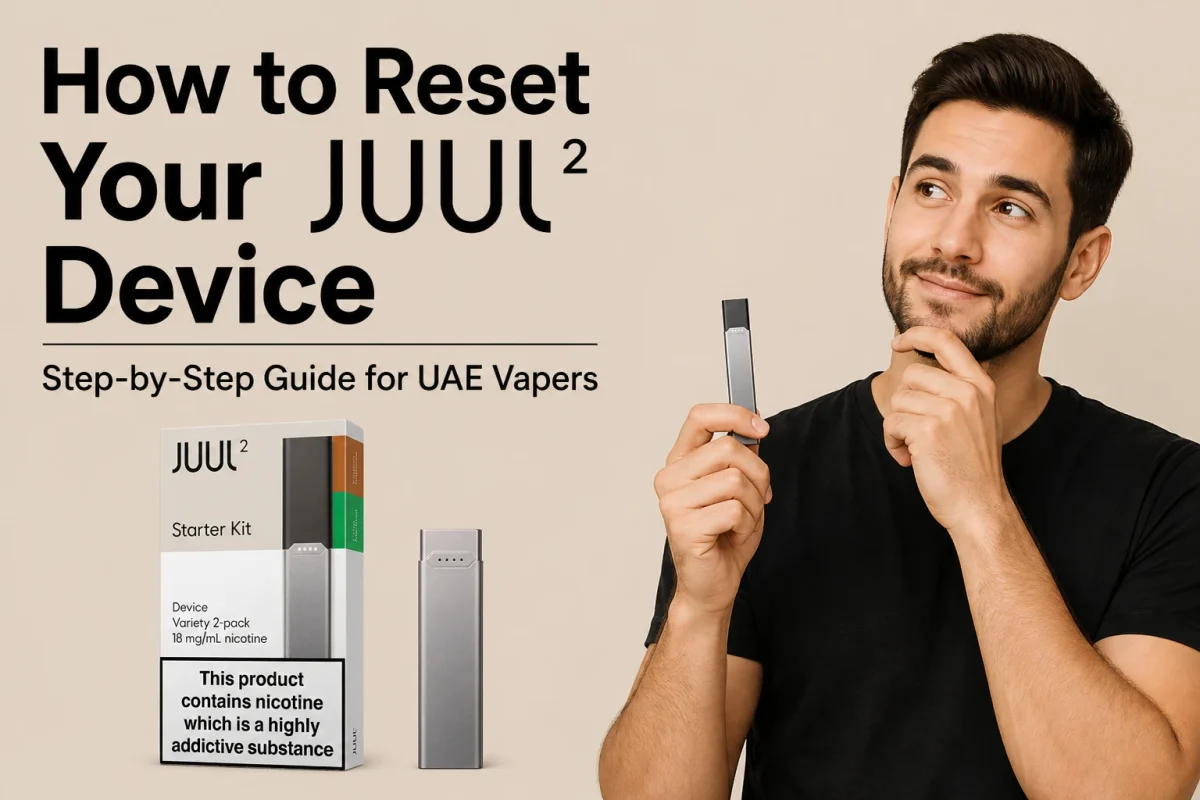
Your JUUL 2 is sitting there blinking like crazy, not producing any vapor, or completely ignoring you when you try to draw on it. Sound familiar? You are not alone. Thousands of vapers across Dubai, Abu Dhabi, and Sharjah deal with this exact frustration every week.
The good news is that most JUUL 2 problems have a simple fix. In this guide, you will learn exactly how to reset your JUUL 2 device using five proven methods, understand what every LED light means, and get UAE-specific tips that no other guide covers, including how heat, humidity, and counterfeit pods affect your device right here in the Emirates.
What Does “Resetting” a JUUL 2 Actually Mean?
Before anything else, let us clear up a common misconception. The JUUL 2 device does not have a factory reset button. There is no hidden switch, no combination of button presses that wipes the device and starts fresh. When people search for how to reset a JUUL 2, what they actually need is one of five recovery procedures that fix the most common issues.
These five methods are:
- Pod reseating
- Triple-tap soft power cycle
- App-based lock and unlock
- Charging reset
- Deep contact cleaning
In the UAE, two extra factors make these resets more frequent than in cooler climates. The summer heat, often above 40 degrees Celsius, thins the e-liquid inside pods and causes it to seep onto the device contacts. Desert dust also blocks airflow ports more quickly here than in Europe or North America. Keep those two things in mind throughout this guide.
Read Your JUUL 2 LED Lights Before You Reset
The JUUL 2 has a four-point LED array on its front face. These lights are not decoration. They are a diagnostic system, and reading them correctly saves you time and effort before you attempt any reset.
What Each JUUL 2 LED Color Means
| LED Signal | What It Means | What to Do |
| Pulsing white (on charger) | Charging in progress | Leave it connected |
| Solid white (on charger) | Fully charged | Safe to unplug |
| Brief white flash (on draw) | Pod recognized, device active | Normal, no action needed |
| Solid green | Battery 60 to 100 percent | No action needed |
| Solid yellow | Battery 25 to 59 percent | Charge soon |
| Solid red | Battery below 25 percent | Charge immediately |
| All 4 LEDs solid red | Device locked via app | Unlock using JUUL app |
| Blinking yellow 5 times | Pod connection failure | Try a pod from a different pack |
| Rainbow or multicolor flash | Pod recognition error | Remove pod, clean contacts, reinsert |
| Purple then red | Internal device fault | Contact JUUL customer support |
| 2 red LEDs alternating left and right | Incompatible or counterfeit pod | Replace with an authentic JUUL 2 pod |
| No LED on charger | No power, dirty contacts | Clean contacts, try a different USB port |
Once you know what your device is telling you, jump to the matching reset method below.
How to Reset Your JUUL 2 Device: 5 Step-by-Step Methods
Try these methods in order. Most users find a fix within the first two.
Method 1: Pod Reseat Reset
Time needed: About 2 minutes. Tools needed: A dry cotton swab
This is the most common fix for a JUUL 2 that is not hitting, showing a rainbow LED, or giving you a weak draw. The pod connection points gather e-liquid residue and dust surprisingly quickly, especially in the UAE.
- Pull the pod firmly upward and out of the device.
- Look at the metal contacts at the base of the pod. Check for any sticky residue, dust, or discoloration.
- Use a dry cotton swab to gently wipe those contacts clean.
- Wipe the inside of the device’s pod port with the same swab.
- Let both the pod and the device port air dry for about 30 to 60 seconds.
- Reinsert the pod firmly until you hear or feel a click. That click means the magnetic connection is seated properly.
- Take a gentle draw. A brief white LED flash means the device has recognized the pod successfully.
Did this fix it? If not, move to Method 2.
Method 2: Triple-Tap Soft Cycle Reset
Time needed: About 1 minute. Tools needed: Nothing
This reset works for unresponsive devices and can also toggle the lock mode off if you accidentally activated it.
- Make sure the pod is inserted.
- Tap the side of the JUUL 2 three times quickly in a row.
- Watch the LED. A brief white blink sequence means the device has cycled.
- Wait five seconds, then try a normal draw.
Did this fix it? If not, move to Method 3.
Method 3: App-Based Lock and Unlock Reset
Time needed: 3 to 5 minutes. Tools needed: Your smartphone with the JUUL app installed and Bluetooth turned on
If all four LEDs are glowing solid red when you try to draw, your device is locked. This is the number one most misunderstood JUUL 2 problem. The device is not broken. It is locked through the companion app, either deliberately or automatically due to inactivity settings.
- Open the official JUUL app on your phone.
- Make sure Bluetooth is enabled in your phone settings.
- Bring the JUUL 2 within 1 to 2 metres of your phone.
- Open Device Settings inside the app.
- Select “Unlock Device” and confirm.
- The red LEDs will turn off and the device will be ready to use.
- If the app does not connect, toggle Bluetooth off and back on, then try again. If it still fails, restart your phone and repeat the steps.
Did this fix it? If not, move to Method 4.
Method 4: Charging Reset
Time needed: 45 to 60 minutes. Tools needed: The official JUUL 2 USB-C charging dock
Use this method when the device is completely unresponsive, will not light up at all, or feels dead. Always use the official charging dock. Third-party USB-C cables can provide inconsistent power and may not trigger the device’s internal recovery cycle.
- Remove the Juul 2 pod from the device.
- Connect the JUUL 2 to its official charging dock.
- Within 10 seconds, you should see a pulsing white LED. This confirms charging has begun.
- Leave the device to charge undisturbed for at least 30 minutes. A full charge takes 45 to 60 minutes.
- Disconnect the charger and reinsert the pod.
- Attempt a draw. A green or white LED confirms the reset worked.
Did this fix it? If not, move to Method 5.
Method 5: Deep Contact Clean Reset
Time needed: About 10 minutes. Tools needed: Isopropyl alcohol at 90 percent or higher, cotton swabs
This is the fix for persistent rainbow LED errors, pod recognition failures, a burnt taste, or any error that keeps coming back. In the UAE, isopropyl alcohol is available at Boots, Aster Pharmacy, and most pharmacies across Dubai, Abu Dhabi, and Sharjah.
- Remove the pod and disconnect the device from any charger.
- Lightly dampen a cotton swab with the isopropyl alcohol. It should be damp, not dripping.
- Gently clean the four gold contact pins inside the Juul pod port with the dampened swab.
- Use a fresh dry swab to remove any remaining moisture or residue.
- Clean the charging contacts at the base of the device using the same technique.
- Let everything air dry for at least 5 minutes. In UAE humidity, give it a bit longer.
- Reinsert the pod and test. This resolves the vast majority of persistent device error situations.
Need to clean the Juul device? Read the full guide here: JUUL Cleaning Guide: How Often to Clean Contacts, Mouthpiece and Charger
JUUL 2 Reset Tips for UAE Vapers: Heat, Humidity, and Counterfeit Pods
This section covers problems that are unique to vaping in the UAE and that no other JUUL 2 guide addresses.
How UAE Heat and Humidity Affect Your JUUL 2
During UAE summers, temperatures regularly exceed 40 degrees Celsius. This causes e-liquid inside pods to become thinner than normal, which means it seeps out more easily onto the device contacts. Once that liquid sits on the contacts and dries, it creates a film that blocks the electrical connection and triggers errors.
- Clean your JUUL 2 contacts every 5 to 7 days during May through September
- Never leave the device in a parked car, even for a few minutes
- Store the device indoors in air-conditioned spaces whenever possible
- Keep pods stored upright to reduce leakage
Desert dust is another UAE-specific issue. Fine sand particles can block the small airflow holes on the pod and the device body. If your vapor production suddenly drops without any LED error, check the airflow holes. Use a clean, dry toothpick very gently around the opening to remove any visible blockage.
How to Spot a Counterfeit JUUL 2 Pod in the UAE
The UAE grey market has a real counterfeit pod problem. Fake JUUL 2 pods are sold at lower prices through unofficial channels, and they cause the device’s authenticity check to fail. When you insert a counterfeit pod, you will see two red LEDs alternating left and right repeatedly. Many users mistake this for a device fault and try to reset the device, but the issue is always the pod, not the device.
To avoid this:
- Buy pods only from licensed UAE retailers with MoIAT-approved products
- Check that the pod packaging has Arabic and English health warnings covering at least 50 percent of the label
- The pod should click firmly into place. Counterfeit pods often sit loosely or do not click at all
- Authentic pods are consistent in color and have no visible seams or glue marks on the casing
When to Stop Resetting and Replace Your JUUL 2
Sometimes the device is genuinely at the end of its life. Here are four signs that no amount of resetting will help:
- Battery failure: The device dies within a couple of hours, even after a full charge
- Persistent pod errors: New, authentic pods still do not connect even after a deep clean
- Continuous overheating: The device gets unusually hot during normal use and does not cool down
- Physical damage or corrosion: Visible rust, deep scratches, or corrosion on the contacts or casing
The JUUL 2 comes with a two-year limited warranty from the date of purchase at an authorized retailer. If your device is within that window, contact the retailer where you bought it in the UAE for a warranty assessment before spending money on a replacement.
Worry about your Juul device not heating? Fix it here: JUUL Device Not Hitting? Quick Fixes That Actually Work
Vaping With JUUL 2 in the UAE: Quick Legal Reference
For adults aged 18 and above only. Vaping has been legal in the UAE since April 2019 under regulations managed by ESMA and MoIAT.
Key rules to know:
- You must be 18 or older to buy or use any vaping product
- Vaping is only permitted in designated smoking areas
- All products must be ECAS-certified and MoIAT-approved
- Nicotine concentration in e-liquids is capped at 20mg per millilitre
- Fines range from AED 500 to AED 2,000 for vaping in prohibited public areas
- Online retailers must use electronic age verification before processing any sale
Always buy from licensed stores like the Juul Dubai shop to ensure your device and pods meet UAE safety standards.
Frequently Asked Questions
Does the JUUL 2 have a factory reset button?
No. The JUUL 2 has no factory reset button. The closest equivalent is the combination of pod reseating, a deep contact clean, and a full charging cycle, which resolves most errors.
Why are all four LEDs on my JUUL 2 solid red?
All four solid red LEDs mean the device is locked via the JUUL app. Open the app, enable Bluetooth, and select “Unlock Device” to restore normal function.
What does a rainbow or multicolor flashing light mean?
It signals a pod recognition error. Remove the pod, clean the gold contact pins with a dry cotton swab, and reinsert firmly until you hear a click.
Can I use any USB-C cable to charge my JUUL 2?
No. Only the official JUUL USB-C charging dock is recommended. Third-party cables can deliver inconsistent power and may not trigger the device’s charging reset properly.
Is the JUUL 2 legal in Dubai and the UAE?
Yes, for adults aged 18 and above. Only purchase from MoIAT-approved licensed retailers to stay compliant.
Why does my JUUL 2 blink yellow five times?
Five yellow blinks indicate a pod connection failure. Try a pod from a different packet. If the same pattern appears with all pods, the fault is with the device itself.
How often should I clean my JUUL 2 contacts in the UAE?
Once a week during cooler months, and every five to seven days during UAE summer months from May through September, due to increased e-liquid thinning and dust exposure.
Conclusion
Most JUUL 2 problems, from blinking LED errors to a device that refuses to fire, can be fixed in under ten minutes using one of the five reset methods in this guide. Start with the pod reseat, move through the triple-tap cycle, check the app if you see four solid red lights, run a charging reset for a dead device, and finish with a deep contact clean for anything that persists.
If you are in the UAE, remember that heat and counterfeit pods cause more device errors here than anywhere else. Clean your contacts more often, store your device indoors, and always buy authentic JUUL 2 pods from licensed UAE retailers to keep your device running without interruption.
