

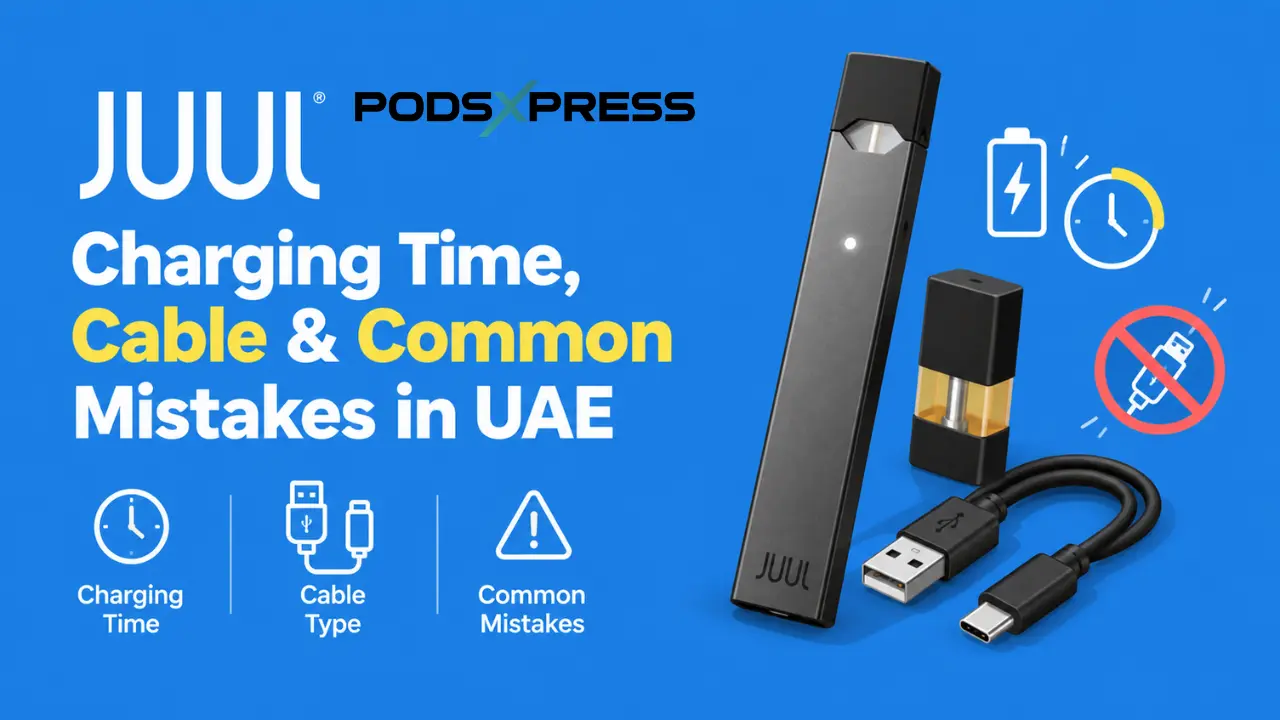
Charging a JUUL looks simple. Plug it in, wait, and go. But most UAE vapers who complain about weak battery life or a device that dies by mid-afternoon aren’t dealing with a broken JUUL. They’re dealing with a charging habit that’s slowly wearing the battery down.
This guide walks through the correct way to charge a JUUL device or JUUL 2 device, the real charging time you should expect, and the small mistakes that cause most battery complaints in Dubai and across the Emirates.
Quick answer: A JUUL charges using a small magnetic USB dock, not a phone cable. A full charge from empty takes about 45 minutes to an hour, and the LED light on the front tells you exactly how much charge is left.
What Cable Does a JUUL Actually Use?
A JUUL does not use USB C, micro USB, or any cable that plugs directly into the device. It uses a dedicated magnetic charging dock made only for JUUL devices.
Here’s how the connection works:
- The dock plugs into any standard USB port (laptop, wall adapter, or power bank).
- The JUUL device sits on top of the dock.
- Small magnets inside the base pull the device into place automatically.
- Power flows through metal contact points, not a plug.
If you’re setting up a brand new device, our full walkthrough on using JUUL with JUUL pods in Dubai covers charging alongside the first pod insertion.
JUUL Charging Time: How Long a Full Charge Takes
Both JUUL generations charge in roughly the same window, though the JUUL 2 holds a bigger charge once it’s full.
| Feature | Original JUUL | JUUL 2 |
|---|---|---|
| Battery size | 200mAh | 350mAh |
| Full charge time | Around 1 hour | 45 to 60 minutes |
| Charging method | Magnetic USB dock | Upgraded magnetic dock |
| Typical use per charge | Half a day, moderate use | A full day, moderate use |
If you’re weighing which one to buy, our honest 2026 buyer’s review compares the two beyond just battery specs.
Step by Step: Charging Your Device the Right Way
- Plug the magnetic dock into a normal USB port. A laptop port or a basic wall plug both work well.
- Place the device face down onto the dock. Let the magnets guide it into position on their own.
- Watch for the LED light to start pulsing. That means power is flowing correctly.
- Leave the device flat and still. Bumping it can break the magnetic connection mid charge.
- Unplug once the light turns solid green. There’s no benefit to leaving it on the dock longer.
Reading the Battery Light: What Each Color Means
Tap the device twice to check its battery level without unplugging it.
- Red light: Battery is low. Charge soon.
- Yellow light: Around half charge remaining.
- Green light: Fully charged and ready to use.
If the light stays off completely when placed on the dock, the issue is usually a connection problem, not a dead battery. Our guide on why a JUUL 2 won’t detect the pod covers the same contact issue that often affects charging too.
Charging Problems Specific to the UAE Climate
A few local factors affect JUUL charging more than people expect.
Dust and fine sand: Dubai’s air carries more dust than most places, and it settles on the metal contacts faster than you’d think, especially if the device sits in a bag or car console. A blocked contact often looks exactly like a dead battery, when a simple wipe would fix it.
Cheap street market chargers: Losing the original dock and grabbing a AED 5 to 10 replacement from a stall in Karama or Satwa feels like an easy fix. It usually isn’t. Off brand docks rarely manage power correctly, and over weeks of use, they can shorten the battery’s lifespan.
Fast charging blocks: UAE sockets run on 220 to 240V, which is fine on its own. The problem starts when that power runs through a phone style fast charging adapter. A JUUL battery isn’t built for that much power at once, and repeated fast charging wears it down faster than a basic USB port would.
How to Spot a Fake JUUL Charging Dock
A genuine JUUL charger has a few clear signs that most fakes get wrong.
- Weight: A genuine dock feels slightly heavier and more solid than the light, hollow feel of most copies.
- Printed logo: The JUUL branding on an authentic dock is clean and evenly printed. Faded, blurry, or slightly misaligned logos are a warning sign.
- Magnet strength: A real dock pulls the device into place firmly and holds it flat. A weak or wobbly magnetic pull usually means a copy.
- Price: A dock priced at AED 5 to 10 from a street stall is almost never genuine. Authentic replacement docks cost more than that.
- Packaging: Genuine accessories come sealed with proper JUUL packaging, not a loose dock in a plastic bag.
Mistakes That Quietly Damage the Battery
None of these ruin a device overnight. They add up over weeks.
- Leaving it on the charger after it’s full: Once the light turns green, unplug it. Extra hours on the dock add unnecessary strain.
- Using a phone fast charger or car adapter: Higher power output isn’t better here. It shortens the battery’s life.
- Draining it to zero every single time: Lithium batteries, the kind inside a JUUL, actually last longer with shorter, more frequent top ups than full drain and refill cycles.
- Ignoring a dusty or dirty contact point: A dry cloth wipe solves most weak charging complaints before they become a real battery issue.
- Charging with an old pod stuck in place: It’s not required, and a worn pod is usually due for a swap anyway. See our guide on knowing when a JUUL 2 pod needs replacing.
Simple Habits That Keep the Battery Healthy Longer
Top up in short bursts through the day instead of waiting for the device to die completely. Keep it somewhere clean, a jacket pocket is fine, the bottom of a bag full of loose items is not.
If you rotate between different pod flavors during the week, from Mango to Polar Menthol, our guide on pod rotation and storage for daily users pairs well with good charging habits, since both routines protect the same device long term.
Final Thoughts
A JUUL doesn’t need much to stay reliable, just the right dock, a normal USB port, and unplugging once the light turns green. Skip the fast chargers, wipe the contacts now and then, and the battery will hold up far longer than most UAE vapers expect.
Frequently Asked Questions
How long does a JUUL take to charge from empty?
About 45 minutes to an hour for either device generation.
Can I use my phone charger on a JUUL?
No. A JUUL only connects through its magnetic dock. A phone cable has nothing to plug into.
Is it bad to leave a JUUL charging overnight?
One night won’t ruin it, but doing it regularly adds strain that shortens battery life over time. Unplugging at green is the better habit.
Why does my JUUL charge slowly in Dubai’s heat?
Usually it’s dust on the contacts, not the heat itself. Clean the contacts before assuming the battery has failed.
Can a power bank charge a JUUL?
Yes, any standard USB power bank works, as long as it isn’t a high wattage fast charge model.
Does a JUUL 2 charge faster than the original JUUL?
Slightly. The JUUL 2’s upgraded dock transfers power a bit quicker, though both land in the same 45 to 60 minute range.
Ready for a Genuine JUUL Device That Charges Right From Day One?
Getting the charging routine right is one of the easiest ways to avoid battery problems down the line. At Juul Dubai, every device ships with a genuine charger, so checking authenticity is one less thing to worry about before you even open the box. Shop Genuine JUUL 2 Devices at Juul Dubai
Note: This product contains nicotine. Nicotine is an addictive chemical. For use by adults 18 years and older only.
